

Description
Download Sonos S1 Controller APK – free mobile app, audio control, smart speaker management, iOS, Android
Overview
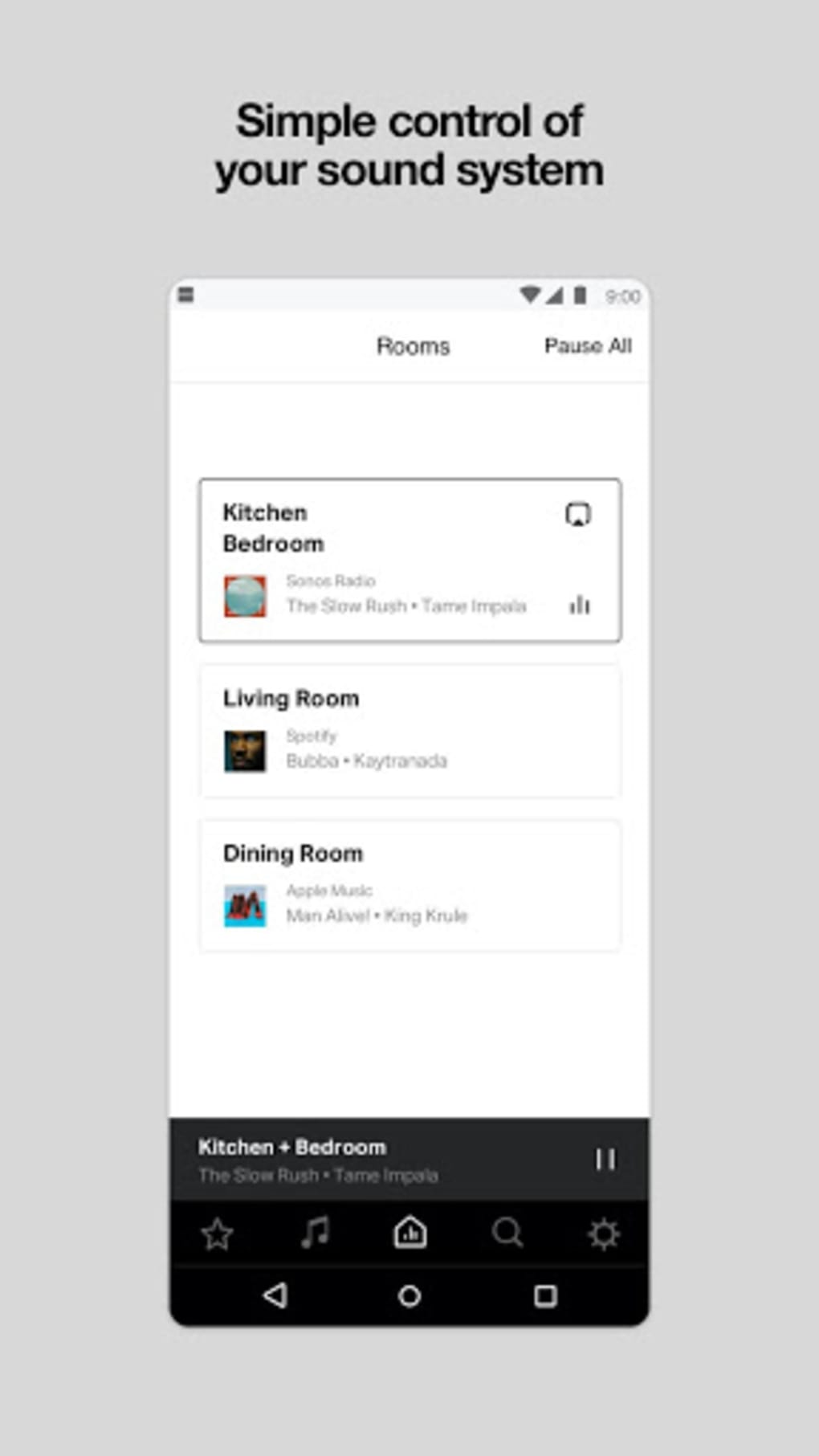
The Sonos S1 Controller is a companion application designed for users of Sonos’s legacy audio devices. Developed by Sonos, a company with a long-standing presence in the audio technology industry since 2002, the app serves as a centralized interface for managing older Sonos products that operate on the S1 operating system. These include models such as the Bridge, CR200, Connect, Connect:Amp, Play:5, and the ZonePlayer series. The app enables users to control playback, adjust volume, manage multi-room audio setups, and access integrated streaming services like Spotify, YouTube Music, and Sonos Radio. It also facilitates firmware updates for these devices, ensuring continued functionality and compatibility with evolving audio standards. The primary purpose of the S1 Controller is to maintain usability and support for older Sonos hardware, allowing users to continue enjoying their existing setups without disruption. While newer Sonos devices now run on the updated S2 software and are managed via the modern Sonos app, the S1 Controller remains available for legacy support. It is not discontinued, though it will not receive new feature enhancements. Instead, updates are limited to critical bug fixes and stability improvements, preserving the core functionality of the app for existing users.
Key Features & Capabilities
- Centralized device control – Manage multiple Sonos S1-compatible speakers and audio components from a single interface, enabling synchronized playback across rooms.
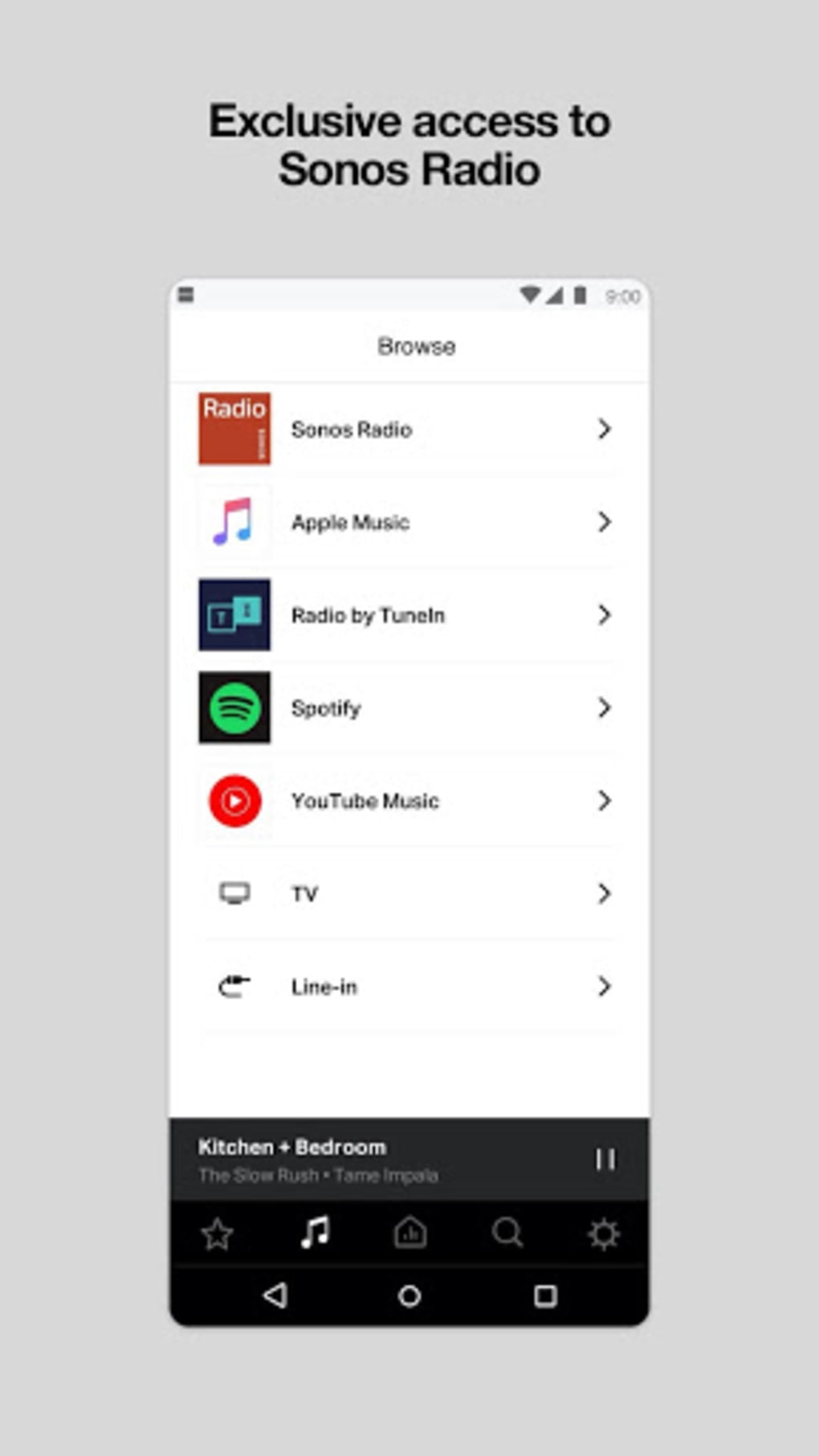
- Multi-source streaming integration – Access and control popular music services such as Spotify, YouTube Music, and Sonos Radio directly within the app.
- Firmware update management – Receive and apply OS updates for S1 devices to maintain performance and security.
- Multi-room audio setup – Group compatible devices into zones or rooms to play the same content simultaneously or independently.
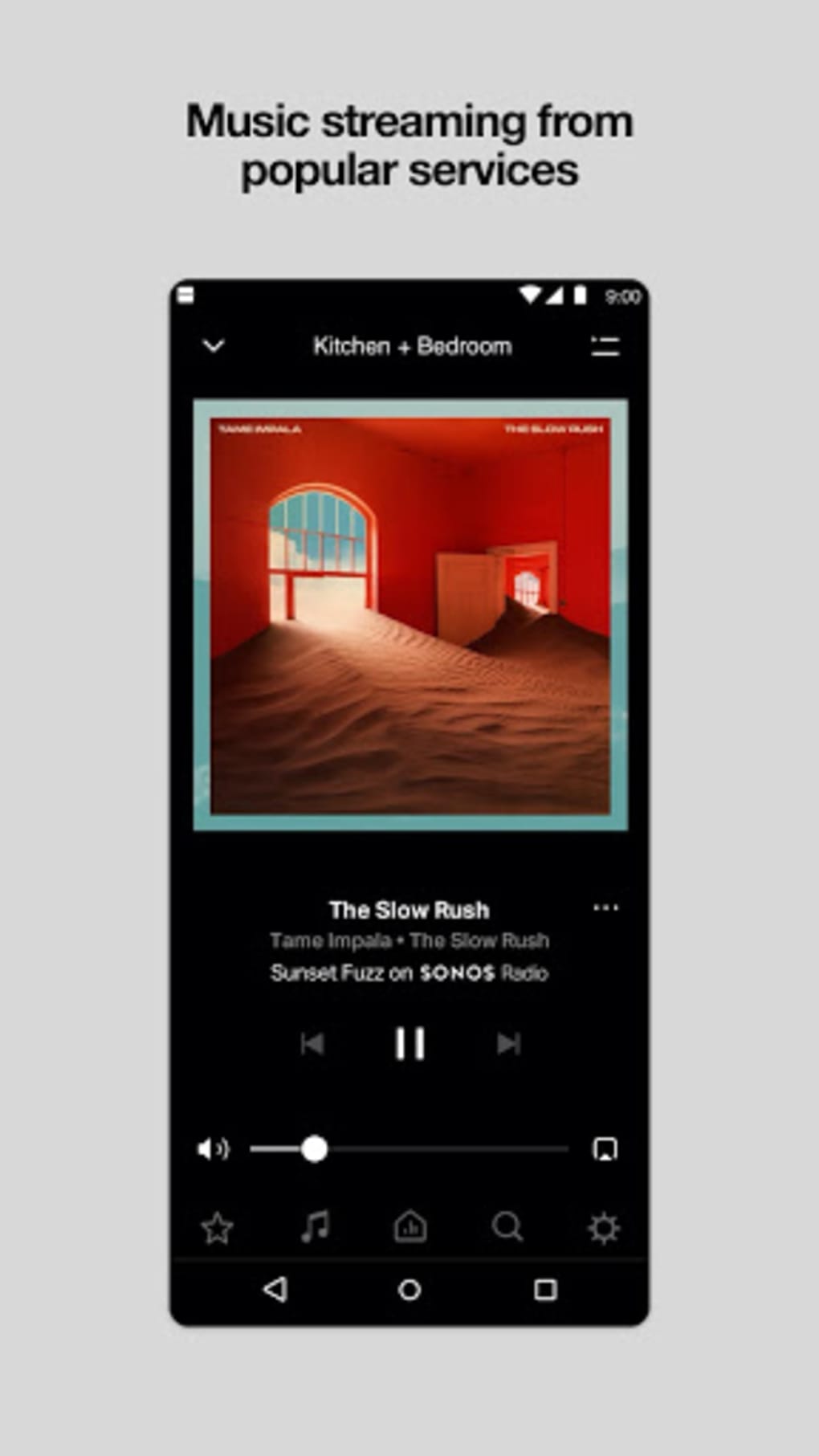
- Volume and playback controls – Adjust volume levels, skip tracks, pause, and resume playback with intuitive touch gestures.
- Alarm and scheduling functions – Set wake-up alarms and timed playback schedules for consistent daily routines.
These features are tailored for users who rely on older Sonos hardware and wish to maintain full functionality. The app supports seamless integration with existing audio ecosystems, allowing users to manage their entire system without requiring additional tools. Real-world usage includes managing background music during home gatherings, setting up personalized listening zones, or using the app as a remote control for home automation scenarios involving audio. The app’s design prioritizes reliability and consistency over innovation, aligning with its role as a maintenance tool rather than a feature-forward application.
User Interface, Workflow & Performance
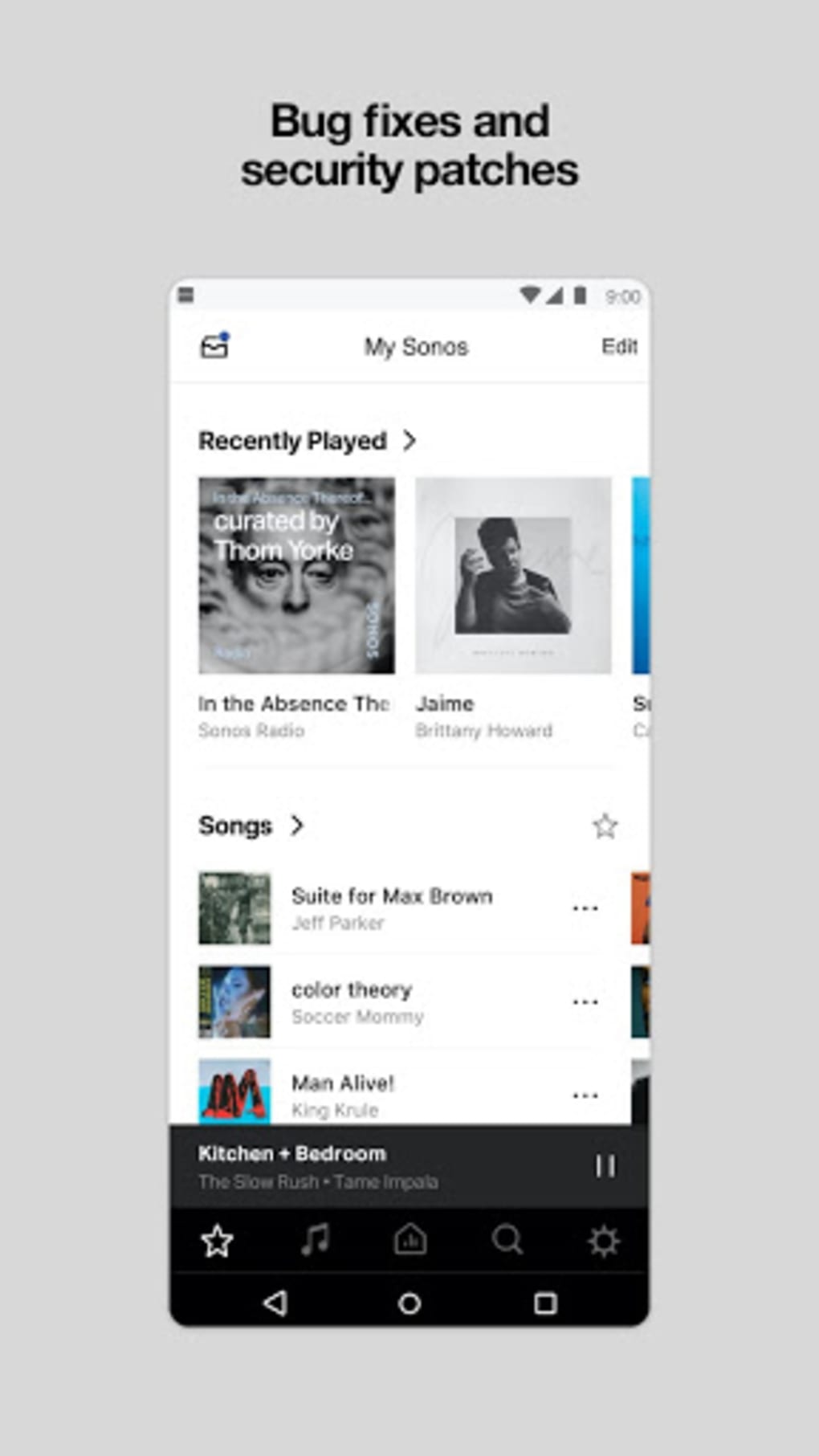
The user interface of the Sonos S1 Controller is structured around simplicity and direct access to core audio functions. Navigation is organized through a main dashboard that displays connected devices, active playback status, and available streaming sources. The layout emphasizes clarity, with large, touch-friendly controls for volume, playback, and source selection. Workflow efficiency is optimized for routine tasks such as switching between music services, adjusting volume across multiple rooms, or initiating a multi-room playback session. The app maintains a responsive interaction model, with minimal lag during basic operations. However, the developer did not specify resource usage details, and performance observations are based on general software behavior patterns. Stability is maintained through regular bug fixes, though users may encounter occasional delays in device discovery or update processing. The app does not require high CPU or RAM usage, which supports its use on a wide range of mobile devices. Overall, the workflow is intuitive for users familiar with Sonos’s ecosystem, though new users may benefit from onboarding guidance. No real-time performance benchmarks were provided.
Compatibility & System Requirements
The Sonos S1 Controller is available for both iOS and Android platforms. It is designed specifically for Sonos devices running the S1 operating system, including the Bridge, CR200, Connect, Connect:Amp, Play:5, and ZonePlayer series. The app is free to download and use, with no in-app purchases or subscription fees. Installation size and exact hardware requirements were not listed. The developer did not specify minimum device specifications, so compatibility depends on the device’s ability to run the latest supported version of iOS or Android. Platform compatibility information is limited to the supported operating systems, with no details on older or unsupported versions. Users should ensure their mobile device is running a current OS version to maintain app functionality. The app is not compatible with newer Sonos devices that use the S2 operating system, which are managed exclusively through the Sonos app.
Pros and Cons
Pros
- Free to download and use with no hidden costs
- Provides continued support for legacy Sonos hardware
- Offers reliable control over multi-room audio systems
- Integrates major streaming services directly within the app
- Receives regular bug fixes and stability updates
- Simple, intuitive interface for core audio functions
Cons
- Does not receive new feature updates
- Not compatible with newer Sonos devices using S2 OS
- Limited to older Sonos product lines
- Developer did not provide system requirements or performance metrics
- May experience occasional delays in device synchronization
FAQ Section
Is the Sonos S1 Controller still supported?
Yes, the Sonos S1 Controller is still maintained by Sonos. It will continue to receive important bug fixes and stability updates for older S1-compatible devices, though no new features will be added.
Can I use the S1 Controller with newer Sonos speakers?
No. Newer Sonos devices that run on the S2 operating system are not compatible with the S1 Controller. These devices require the modern Sonos app for full functionality.
Is the Sonos S1 Controller free to download?
Yes, the app is available at no cost. There are no subscription fees or in-app purchases required to use its core features.
What operating systems does the app support?
The Sonos S1 Controller is compatible with iOS and Android devices. Specific version requirements were not provided by the developer.
Do I need an internet connection to use the app?
Yes, a stable internet connection is required to control devices, access streaming services, and receive firmware updates. However, playback control is possible even during temporary network interruptions.
Final Thoughts + CTA
The Sonos S1 Controller remains a valuable tool for owners of legacy Sonos audio systems. While it no longer receives new features, its role as a stable, reliable interface for older devices ensures continued usability. For users invested in the Sonos ecosystem and still using S1-compatible hardware, the app delivers consistent performance and essential functionality. It bridges the gap between aging hardware and modern audio expectations, offering a secure and free way to manage multi-room setups and streaming services. Although it lacks the modern design and advanced features of the current Sonos app, its purpose is clear: to sustain existing systems. If you own a Sonos device from the pre-S2 era, the S1 Controller is not just an option—it’s a necessity. Download Sonos S1 Controller now.
Guides & Tutorials for Sonos S1 Controller APK
How to install Sonos S1 Controller APK
- Click the Preview / Download button above.
- Once redirected, accept the terms and click Install.
- Wait for the Sonos S1 Controller APK download to finish on your device.
How to use Sonos S1 Controller APK
This software is primarily used for its core features described above. Open the app after installation to explore its capabilities.
User Reviews for Sonos S1 Controller APK 0
No reviews found





